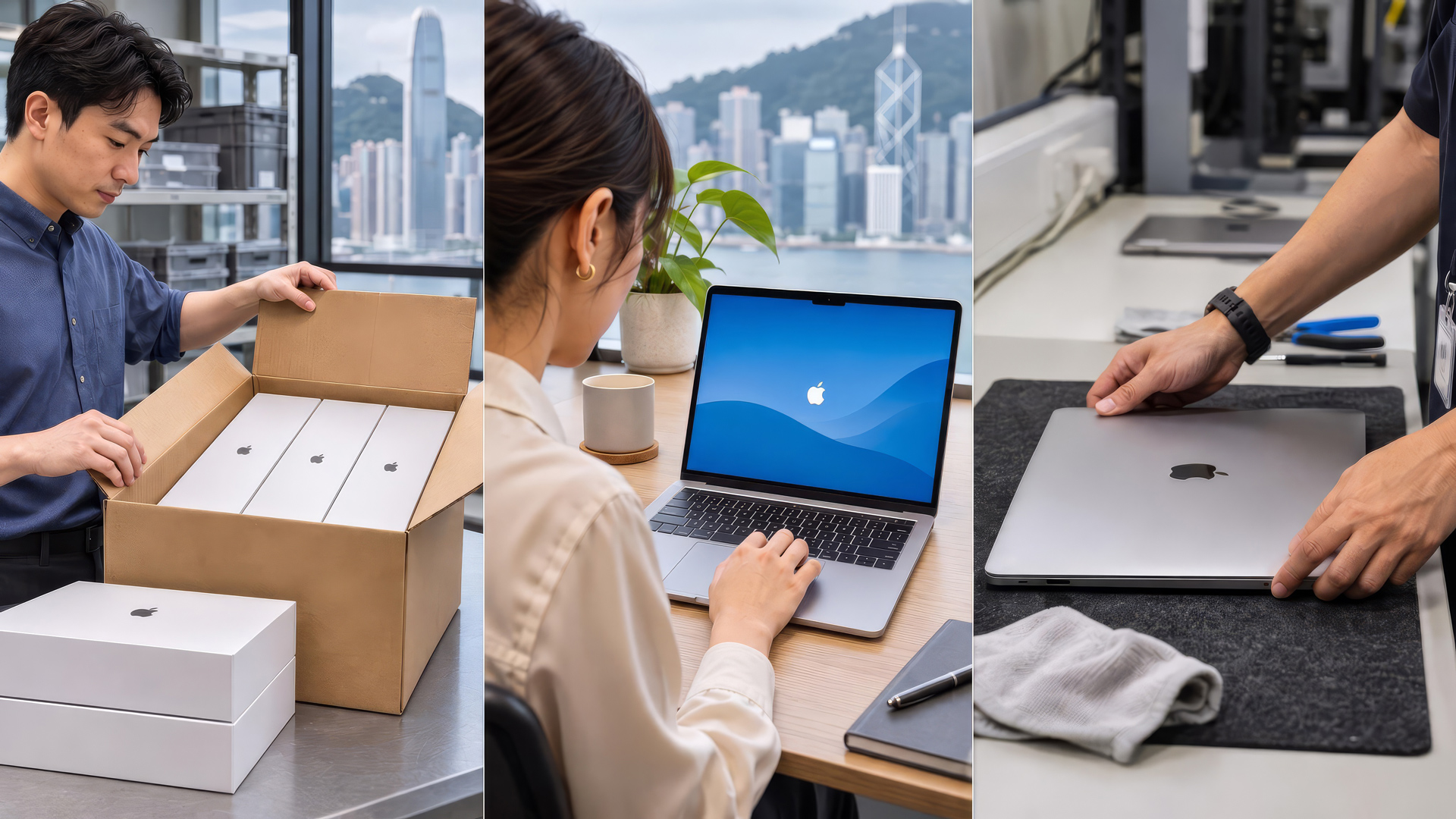
As MacBooks become more widely used across business functions, organisations are moving beyond the question of whether to adopt Macs and focusing instead on how to deploy, manage and secure them at scale. For businesses refreshing large numbers of devices, equipping new starters or supporting teams across multiple locations, preparing each MacBook individually can place a growing burden on IT teams and make consistent configurations harder to maintain.
A more effective approach begins at procurement. From device registration and configuration to zero-touch deployment, Apple Business integration and ongoing maintenance, businesses need a joined-up device lifecycle management strategy rather than a series of separate purchasing and IT tasks.
Why Should Macbook Deployment Planning Begin At Procurement?
Before ordering MacBooks, businesses should agree on device numbers, user roles, performance needs, applications, security rules and the rollout timetable. For remote teams, devices may go directly to employees rather than through an IT desk. Planning enrolment, management and delivery early helps avoid rework and supports a more consistent rollout.
Eligible company-owned devices purchased through Apple, linked authorised resellers or participating enterprise channels can be associated with Apple Business for Automated Device Enrolment. Linking procurement with deployment planning allows IT teams to prepare management settings before devices reach employees.
What is Macbook Deployment For business?
MacBook deployment for business covers the procurement, registration, configuration and enrolment of company-owned Macs, followed by ongoing Unified Endpoint Management (UEM) and Mobile Device Management (MDM) and support. A standardised process helps businesses deploy apps, enforce security policies and manage access rights consistently across teams and sites.
Zero-touch deployment removes the need to configure every MacBook by hand. IT teams prepare enrolment and management settings in advance so eligible devices can be delivered directly to staff. On first startup and connection to the internet, devices begin the assigned enrolment workflow and receive the relevant settings and policies.
How Does Zero-Touch Macbook Deployment work?
A typical enterprise rollout can be organised into seven steps:
- Purchase company-owned MacBooks through Apple, an authorised reseller or an appropriate enterprise procurement channel.
- Add or assign eligible devices to the organisation’s Apple Business environment.
- Define the applications, security policies and device configurations required for each user group.
- Assign devices to Apple Business’s built-in device management service or a connected external UEM/MDM platform.
- Deliver the MacBooks to an office or directly to employees.
- When employees first switch on their devices and connect to the internet, the assigned enrolment process begins.
- Apply the relevant applications, security policies and access permissions in line with the organisation’s configuration.
This approach allows much of the rollout preparation to take place before delivery, helping staff get started sooner while reducing manual setup and physical handover requirements. Zero-touch deployment does not remove the need for IT oversight: teams still need to set policies, handle exceptions and provide technical support.
Manual Setup Vs zero-Touch deployment: What Is The difference?
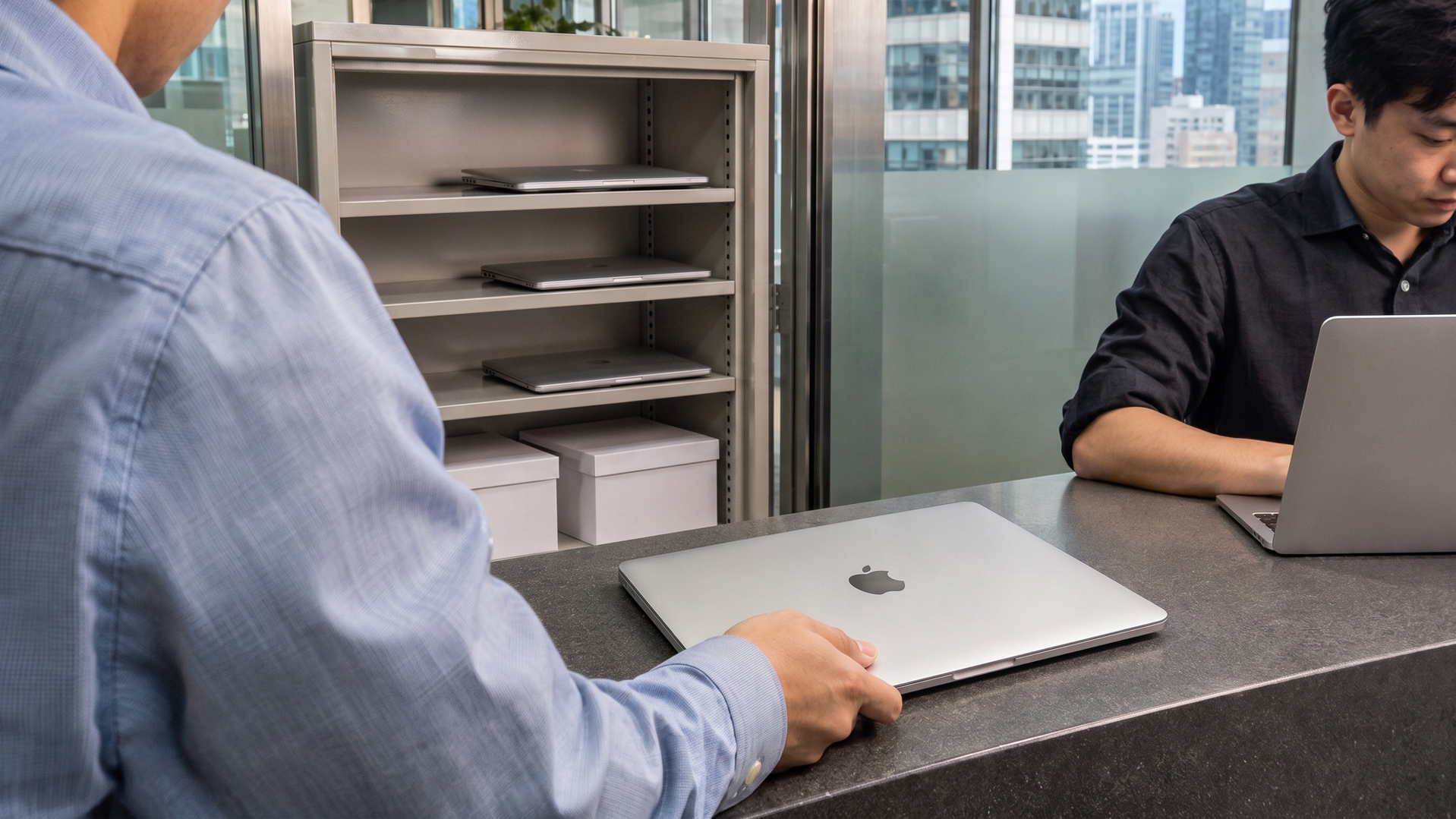
Manual deployment typically requires IT teams to install software, apply security settings and inspect each MacBook before handover. This becomes more resource-intensive across larger or dispersed fleets.
Using personal Apple Accounts for company devices can also complicate account handover and separation of business and personal data.
| Consideration | Traditional Manual Setup | Zero-Touch Deployment |
| Deployment Approach | IT configures devices and installs applications individually. | IT defines policies in advance; eligible devices enrol through the assigned workflow. |
| Deployment Efficiency | Practical for small rollouts, but increasingly resource-intensive at scale. | Better suited to larger rollouts and recurring employee onboarding. |
| Device Scalability | Each additional device increases preparation and coordination work. | A standardised process supports fleet expansion across teams and locations. |
| Management Consistency | Settings depend more heavily on individual manual actions. | Device management services apply policies, applications and configurations centrally. |
| Delivery | Devices often pass through IT for preparation and handover. | Eligible devices can be shipped directly to employees. |
| Ongoing Management | Simpler to start with and flexible for individual exceptions. | Requires planning upfront but supports centralised management and updates. |
Zero-touch deployment does not replace the IT team’s management role. It shifts effort away from configuring devices one by one towards advance planning and centralised control, helping organisations apply configurations and security policies more consistently throughout the device lifecycle.
How Does Apple Business Support Enterprise MacBook Deployment?
Launched in April 2026, Apple Business combines capabilities from Apple Business Manager, Apple Business Essentials and Apple Business Connect. Regardless of company size, it provides free built-in device management, Blueprints and Managed Apple Accounts for MacBook deployment, alongside the option to assign eligible devices to a connected third-party MDM service.
Businesses can configure apps, device settings and security policies centrally, distribute applications through the App Store, and connect identity services such as Google Workspace or Microsoft Entra ID. Blueprints support consistent configurations across devices and user groups, while Managed Apple Accounts help keep work and personal information separate.
For SMEs, built-in device management and Blueprints can simplify enrolment, app distribution, basic security settings and updates without requiring an unnecessarily complex management environment.
Larger enterprises may need to manage more devices across departments, sites and operating systems, alongside more complex identity, security and compliance requirements. MacBooks can be connected to supported UEM/MDM platforms such as Microsoft Intune or Jamf Pro to fit existing device management arrangements. Depending on the platform and configuration, these services can support cross-platform administration across macOS, Windows, iOS and Android, more detailed policy controls and Declarative Device Management (DDM). With declarative software-update management, IT teams can set a target macOS version and enforcement deadline while devices manage applicable update actions and report their status.
SMEs or large enterprises already using Microsoft 365 and Microsoft Entra ID can also consider Microsoft Intune for Mac management. With a supported Platform Single Sign-on (Platform SSO) configuration, staff can sign in to their Macs with Microsoft Entra ID accounts and access Microsoft 365 applications, while IT teams can apply device compliance and Conditional Access policies to protect corporate resources.

When Does A Structured Macbook Deployment Strategy Make Business Sense?
A structured approach is particularly useful when businesses equip large numbers of new starters, refresh laptops across departments or extend MacBook use to more roles. Centralised management and zero-touch deployment can simplify rollout across remote, hybrid and multi-site teams.
Businesses with limited IT resources, or those refreshing devices for professional applications and AI workloads, should assess deployment, management and support alongside hardware specifications. This helps balance productivity, security and future growth.
Whether an organisation is an SME or a larger enterprise, the appropriate approach depends on more than fleet size. Existing IT systems, site distribution, identity management and security policies should all inform the choice between Apple Business’s built-in management functions and an external UEM/MDM service.
Deployment Is Only The Beginning: Planning The Full Device Lifecycle
Once a MacBook has been delivered, the business must continue managing operating system and application updates, security policies, technical support and repairs. Staff changes create further requirements regarding access rights, data handling and device reassignment. Refresh, replacement and secure retirement also need to be part of the plan.
A suitable solution provider should support more than hardware supply. Connecting procurement, deployment, UEM/MDM, technical support and secure retirement can reduce supplier hand-offs and simplify IT resource planning.
How Does 1O1O Corporate Solutions Support The Macbook Lifecycle?
For organisations with a growing Mac fleet, the challenge is how well procurement, management platforms and support work together. 1O1O Corporate Solutions provides MacBook for Business and Device Managed Services, helping businesses plan rollouts around user roles, locations and security requirements.
The solution can combine zero-touch deployment with UEM/MDM platforms such as Jamf and Microsoft Intune, alongside Microsoft 365, enterprise mobile connectivity, 5G business broadband and Wi-Fi services. After deployment, businesses can also consider AppleCare for Enterprise and device management services covering maintenance, software updates, support and secure retirement, reducing the coordination required of internal IT teams.
As MacBooks become part of a larger, centrally managed estate, purchase price is only one consideration. Deployment efficiency and ongoing management also affect operating costs. A consistent approach from procurement onwards helps businesses expand their device fleets in line with longer-term operational needs.
Macbook Deployment For Business: Frequently Asked Questions
Yes. With Automated Device Enrolment and a compatible device management service, eligible MacBooks can be delivered straight to employees. When first switched on and connected to the internet, they enter the organisation’s predefined enrolment process. The exact experience depends on its deployment policies.
Apple Business offers built-in device management and allows organisations to assign devices to a connected external management service. Businesses with cross-platform management needs, centralised security policies or an established IT architecture can select a suitable UEM/MDM approach.
Start with device numbers and user roles, required applications, identity and security policies, deployment locations, the UEM/MDM platform, delivery arrangements and technical support. These requirements should be considered together with procurement.
Total cost of ownership extends beyond the purchase price to include deployment, maintenance, IT support and refresh costs. A 2026 Total Economic Impact™ study commissioned by Apple and conducted by Forrester Consulting estimated a five-year net present value (NPV) of US$10.1 million for a composite organisation of approximately 7,500 employees. A positive NPV can support finance teams when evaluating investment proposals, but this is a modelled result; actual benefits depend on each organisation’s scale, cost structure and rollout. Further reading: 1O1O Corporate Solutions, “MacBook TCO Strategy for Rising AI Hardware Costs”.
Apple Business supports Mac registration, configuration and ongoing management, but it is not a Windows data migration tool. Apple’s Migration Assistant can help transfer certain data. Larger migrations still require planning for application compatibility, data transfer and user support.
Declarative Device Management is an Apple device management capability that allows supported devices to act on predefined policies, manage applicable software-update tasks and report their status. It is not a separate management platform; supported services can use it as part of their wider device management capabilities. For example, IT teams can specify the macOS version and deadline required by an organisation, reducing the need to issue and check every update command individually.