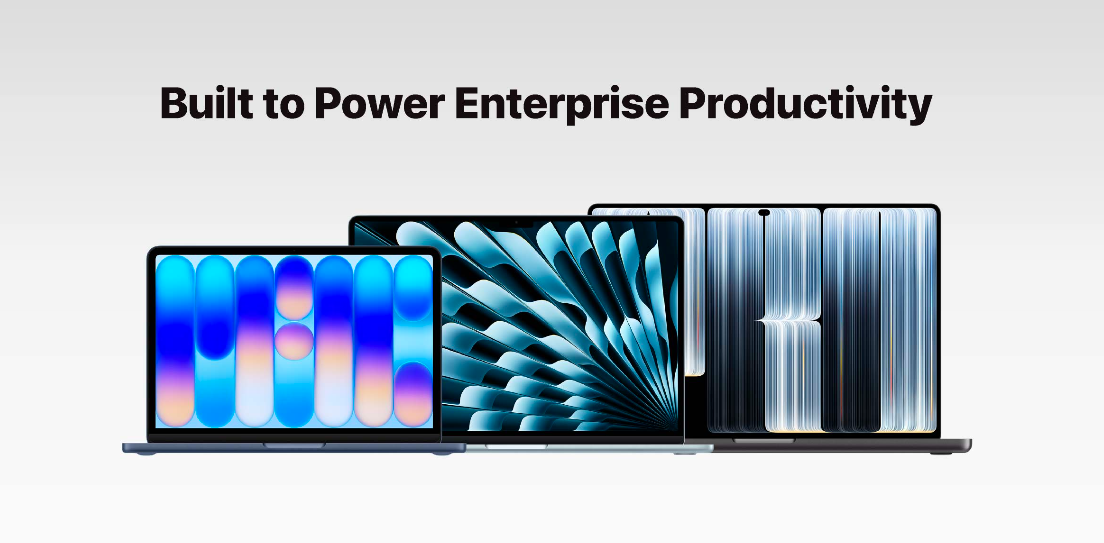
At WWDC26 in June 2026, Apple introduced the next generation of Apple Intelligence and Siri AI, with new capabilities integrated into iOS 27, iPadOS 27 and macOS 27. The subsequently launched iPhone 18 Pro range and iPhone Duo also ship with iOS 27 and support the relevant AI features.
For Hong Kong businesses, the key consideration is how to introduce these AI capabilities into everyday workflows while planning for device compatibility, security and ongoing management. A practical starting point is to test a few relevant functions with a small team, assess time saved and accuracy, then decide where software updates or phased hardware refreshes would add the most value.
What Is Apple Intelligence, And How Is Siri AI Different?
Apple Intelligence is Apple’s personal intelligence system, built into iOS, iPadOS and macOS. It brings together writing assistance, summaries, image editing and information-management features designed to make everyday tasks easier.
Siri AI is Apple’s next-generation conversational assistant, powered by Apple Intelligence. Beyond voice commands, it draws on personal context, information visible on screen and deeper integration with the operating system to help people find information, answer questions and complete supported actions across apps.
With dedicated Siri app, users can seamlessly revisit and resume previous conversations. Through iCloud, conversations can sync across compatible devices signed in to the same Apple Account. For example, user could start a conversation on an iPhone and continue it later on a Mac or iPad.
| Comparison | Apple Intelligence | Siri AI |
| Primary role | System-wide intelligence features | Conversational intelligent assistant |
| Core capabilities | Writing, summarisation, photo editing and information management | Natural conversation, personal context, onscreen awareness and supported cross-app actions |
| Availability | Multiple features released; availability varies by platform and language | Beta rollout on iOS 27, iPadOS 27 and macOS 27 |
| Hong Kong language considerations | Selected features support Traditional Chinese | Currently available in English beta only; availability is subject to current regional guidance |
Which Apple Intelligence And Siri AI Features Are Most Relevant To Work?
Businesses can select a small number of useful features for pilot testing and measure whether they reduce the time spent gathering information, searching or repeating tasks. Availability depends on the device, operating system, language and region.
| Feature | What it does | Potential business benefit | Example pilot |
| Writing Tools | Rewrites, proofreads, adjusts tone and summarises text. | Cuts time spent reviewing and organising information. | Summarise an enquiry email, then have a colleague confirm follow-up actions. |
| Safari intelligence | Groups tabs by topic and uses Notify Me to track website changes. | Reduces repeated manual checks of public information. | Track selected suppliers’ web pages for pricing changes. |
| Image Playground | Creates and edits images, with certain generation using Private Cloud Compute. | Speeds up early-stage visual development. | Prepare concept imagery for an internal proposal. |
| Photos editing tools | Spatial Reframing, Extend and an enhanced Clean Up tool. | Makes it quicker to prepare event, product and site photography. | Adjust the framing of an event photo or remove a distracting object. |
| Describe a Shortcut | Uses natural-language descriptions to create supported automations. | Reduces repetitive actions across apps. | Create a shortcut to share an estimated arrival time when leaving the office. |
|
Siri AI personal context and app actions
- Currently available in English beta only |
Finds personal-context information and performs supported actions across apps. | Reduces searching and switching between apps. | Find meeting information and create a reminder. |
|
Siri AI Visual Intelligence
- Currently available in English beta only |
Answers questions or takes supported actions based on camera or screen content. | Helps staff interpret information in front of them. | Check event-poster details or product specifications shown on screen. |
Three Workplace Scenarios To Pilot Apple Intelligence And Siri AI
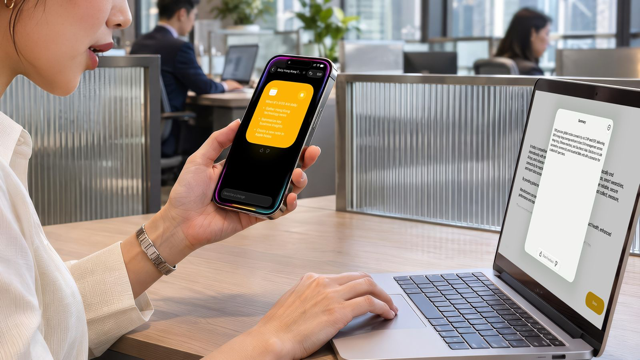
Administrative and customer-facing teams, purchasing and research staff, and field-based employees can all test these features in defined workflows. The useful measures are time saved, accuracy, and employee experience.
1. Administration and customer communication: Summarise enquiries and draft replies For longer customer emails, Writing Tools can summarise the message and highlight follow-up points. Staff should still check dates, quantities, quotations and commitments before replying. Smart Reply, email-thread summaries and Write with Siri can also help teams prepare responses. This can reduce drafting time while allowing employees to review important details before responding.
2. Purchasing and market research: Monitor supplier websites Procurement and research teams can use Safari to organise supplier, competitor and product pages by topic. Notify Me can alert users when selected web content changes, such as pricing, stock availability or product information, helping them focus on updates that warrant attention instead of checking every page manually.
3. Field operations: Find information while on site Field staff, event coordinators, retail teams and other frontline employees may find Visual Intelligence useful for asking questions about what appears on a device’s screen or in its camera view. For example, they could check the time or location on an event poster or look up product details. Siri AI’s personal context and supported app actions may also reduce manual searches and switching between apps.
Three Deployment Requirements Hong Kong Businesses Should Check Before Using Apple Intelligence And Siri AI
Before rolling out Apple Intelligence or Siri AI, organisations should confirm device compatibility, software and language requirements, and regional and account restrictions. These conditions affect which features staff can use and how IT teams should plan upgrades and support.
1. Device compatibility
Apple Intelligence is supported on iPhone 15 Pro and iPhone 15 Pro Max, iPhone 16 models and later, iPhone Air, iPhone Duo, iPad mini with A17 Pro or later, iPad models with M1 or later, MacBook Neo (A18 Pro), and other supported Macs with M1 or later. Siri AI requires a compatible device running iOS 27, iPadOS 27 or macOS 27. Checking the existing device fleet against these requirements can help IT teams identify where software updates will be sufficient and where a refresh may be required.
2. Software and language settings
In Hong Kong, Siri AI is available as an English-language beta on eligible devices, with device and Siri languages set to the same supported language. Some Apple Intelligence features also support Traditional Chinese. For an initial pilot, businesses should prioritise teams comfortable working in English and check the relevant settings, enrolment steps and downloads before rollout.
3. Region and Apple Account restrictions
Siri AI availability may depend on the Apple Account region and other local restrictions. IT teams should verify where a device is used, the Apple Account settings, supported languages and which features are actually available before promising a uniform experience across employees.
From a Small Pilot To a Phased Apple Device Refresh
Where existing devices already support the required features, companies can begin with a software update and a small pilot. Devices with insufficient performance, battery life, storage or remaining support life can be prioritised for replacement. Using pilot results to shape procurement helps businesses spend on the teams and workflows with the clearest needs.
- Assess devices and target features: Record models, chipsets, operating system versions, free storage, languages, Apple Account regions and current management arrangements, then map these against the features being tested.
- Pilot and manage risk: Choose a defined workflow for each user group. Test beta features with a limited audience and retain existing processes as a fallback.
- Measure results and plan refreshes: Compare processing time, manual corrections, training needs and total cost of ownership (TCO) before deciding how widely to deploy. Check whether usage limits affect team workflows.
- Prepare deployment and support: Include device enrolment, business apps, access rights, encryption, system updates and troubleshooting in the rollout plan before extending to further departments.
IT teams should also confirm available controls for Apple Intelligence, Siri and external intelligence integrations with their MDM/UEM providers, then test the settings on actual devices. Some controls depend on supervision, enrolment method and support from the management platform.
Does Apple Intelligence Keep All Business Data On The Device?
Not all data used by Apple Intelligence remains entirely on the device. Apple Intelligence uses both on-device processing and Private Cloud Compute. Requests that require larger models or more computational capacity may send the information needed to complete a task to Private Cloud Compute. Businesses should therefore avoid assuming that every AI interaction is processed solely on the device.
Organisations should set clear guidance on what employees may enter into AI tools, based on the sensitivity of the information involved. They should also review the separate data-handling arrangements for Siri conversation sync through iCloud, analytics and improvement settings, and any connected third-party services.
How Can 1O1O Corporate Solutions Help Businesses Move From Pilot To Deployment?
Moving beyond a pilot means coordinating hardware choices, procurement, device configuration, management and support. 1O1O Corporate Solutions can help businesses plan Apple device deployments around their size, working environments and IT requirements, connecting the practical stages of adoption rather than treating AI features as a stand-alone purchase.
- Choose devices for business needs: Plan procurement of iPhone, iPad, MacBook and other Apple products to suit different roles and working patterns.
- Simplify MacBook for Business rollout: Use zero-touch deployment and compatible MDM services, alongside software updates, encryption and remote troubleshooting, to reduce repetitive device preparation.
- Manage the full device lifecycle: Combine Device Managed Services, UEM and enterprise mobile security with application rollout, maintenance, repairs, device reassignment and secure retirement. AppleCare for Enterprise may also be available for eligible devices.
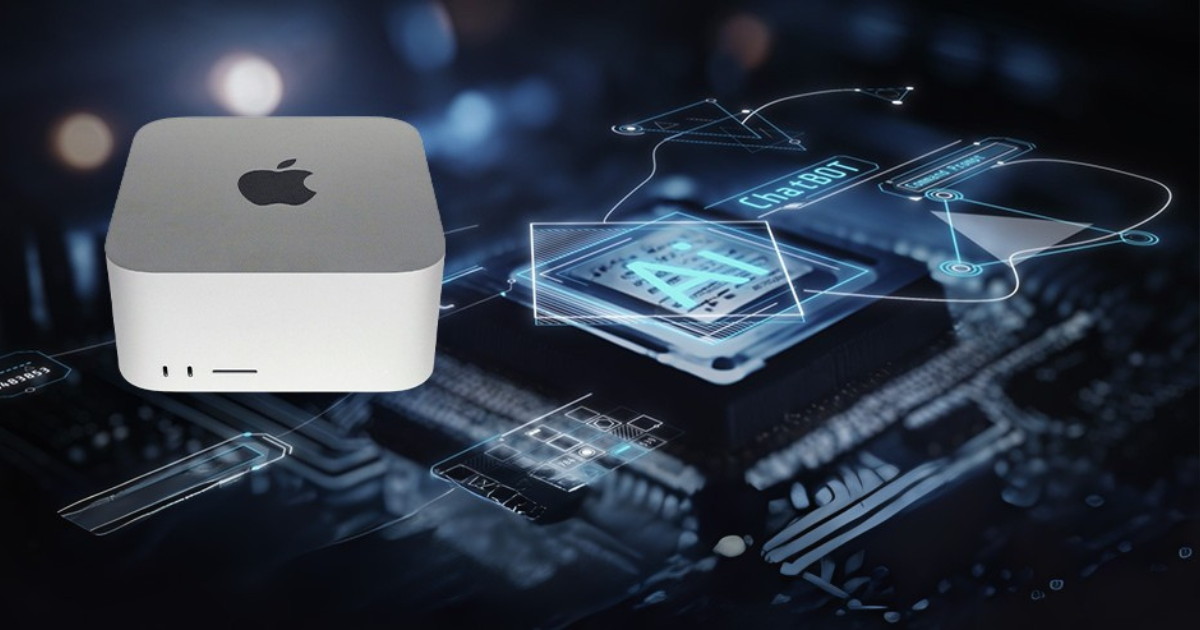
- Consider Private AI separately: For organisations that need to run AI models within their own environment, the Mac Studio Private AI solution is a separate deployment option. Depending on their business needs, organisations can consider a private-cloud or on-premises deployment model, with security and performance requirements guiding the decision.
Businesses planning to deploy, refresh or expand their Apple device fleets can contact 1O1O Corporate Solutions to discuss procurement, rollout and ongoing device management.
More Apple Intelligence and Siri AI guidance from 1O1O Corporate Solutions
1O1O Corporate Solutions offers a collection of short videos introducing practical Apple Intelligence and Siri AI features for work. These can help teams explore relevant functions, streamline everyday tasks and make better use of their existing Apple devices.
AI Tips for Business: Work Smarter with Apple Intelligence
See how Apple Intelligence can help prioritise notifications, capture and summarise meeting notes, refine communications, and support live translation.
AI Tips for Business: Work Smarter with Apple Intelligence
AI Tips for Business: Work Smarter with Siri AI
Apple Intelligence And Siri AI Frequently Asked Questions
No. If existing devices support the required functions and have adequate battery life, storage and support life, businesses can begin with software updates and a small pilot. Hardware refreshes can then be prioritised according to compatibility, workload requirements and measured results. 1O1O Corporate Solutions can assist with device assessment, deployment planning and lifecycle management.
Businesses should check where devices were purchased and used, as well as their Apple Account regions. Apple Intelligence is currently unavailable on compatible devices purchased in Chinese Mainland. For devices purchased elsewhere, features may also be unavailable when a user is in Chinese Mainland and the Apple Account region is set to Chinese Mainland. IT teams should verify current regional policies and whether their MDM/UEM platform can manage the intended features, supervision modes and enrolment methods. 1O1O Corporate Solutions can help plan suitable Apple Business, Jamf or Microsoft Intune arrangements alongside deployment and support.
Supported Apple Intelligence and Siri AI devices include selected iPhone, iPad and Mac models running iOS 27, iPadOS 27 or macOS 27, with sufficient storage for their AI models. Compatible iPhone models include iPhone Duo; iPhone 15 and iPhone 15 Plus are not supported. MacBook Neo (A18 Pro) and supported Macs with M1 or later are included.
| Device | Supported models | Required OS |
| iPhone | iPhone 15 Pro / Pro Max; iPhone 16 series or later; iPhone Air; iPhone Duo | iOS 27 |
| iPad | iPad mini with A17 Pro or later; M1 iPad models or later | iPadOS 27 |
| Mac | MacBook Neo (A18 Pro); M1 or later MacBook Air, MacBook Pro, iMac, Mac mini, Mac Studio and Mac Pro | macOS 27 Golden Gate |
Note: Supported Apple Watch and Apple Vision Pro models have separate device, pairing and software requirements. Please visit apple.com for further details.
No. Support for written Traditional Chinese and spoken Cantonese are separate capabilities. As of October 2026, Siri AI is available as an English-language beta in Hong Kong. Businesses should check the language available for each text or voice feature before deploying it.
Yes, Siri AI is available in beta in Hong Kong on compatible devices running iOS 27, iPadOS 27 or macOS 27. Apple’s Hong Kong support guidance currently lists English, with device and Siri languages set to the same supported language. Users can select Try Siri AI (Beta) in Settings and follow the prompts to join the waitlist; once access is approved and the required download is complete, they can enable the feature. Cantonese is not currently listed as a supported Siri AI language. Businesses may wish to begin with teams that already use English in their day-to-day work.
For deployment planning, the capabilities fall into three broad groups:
- Available features: Writing Tools, summaries and selected Safari intelligence features, subject to device, language and region support.
- Beta features: Siri AI personal context, onscreen awareness and Visual Intelligence, released in stages.
- Future language support: Apple’s rollout may add languages over time, so teams should rely on the latest official availability guidance rather than a fixed list.
No. Apple Intelligence combines on-device processing with Private Cloud Compute, while iCloud synchronisation and third-party services have separate data-handling arrangements. Businesses should set policies for sensitive data before enabling these workflows.
Apple’s ecosystem lets users continue supported tasks across devices, such as drafting documents and replying to emails. Handoff can resume work in compatible apps on a different Apple device. For corporate equipment, availability also depends on management policy, compatible software, signing in to the same Apple Account on both devices, and the required Wi-Fi and Bluetooth settings.
Remarks
- Traditional Chinese support varies across Apple Intelligence features. Siri AI is in beta with English support in Hong Kong. Confirm availability and access conditions with Apple’s latest Hong Kong support guidance before deployment.
- Apple has announced future beta features including Live Rewind and Siri Recap. Availability, supported devices, regions and usage limits should be checked against the latest official release information.
- Parts of the above content reference Apple’s official website (apple.com). Features and services are subject to applicable terms and conditions. Availability and performance can vary by device model, software version, language and use case. Please visit apple.com for further details.